
Ultra-Wide Monitors for Competitive PC Gaming: Benefits and Limits
Last updated:
Checked 29 August 2026. Game support, tournament rules and monitor firmware can change.
An ultra-wide monitor can make supported games feel more spacious, but it does not automatically improve competitive performance. The outcome depends on aspect-ratio implementation, field-of-view rules, HUD design, resolution, refresh behavior and the player’s desk setup.
Aspect ratio is not the same as field of view
A 21:9 or 32:9 panel gives the game more horizontal pixels than a 16:9 display. A well-implemented game may expand the horizontal field of view. Another may crop vertically, stretch the image, place black bars at the sides or lock competitive modes to a narrower view for parity. Check the current game documentation and test the exact mode before buying around one title.
Cutscenes, menus and overlays may remain 16:9 even when gameplay is wider. HUD elements can stay near the center, spread to the edges or become difficult to scan. Adjustable HUD safe zones are therefore more useful than a simple “ultra-wide supported” label.
More pixels require more rendering work
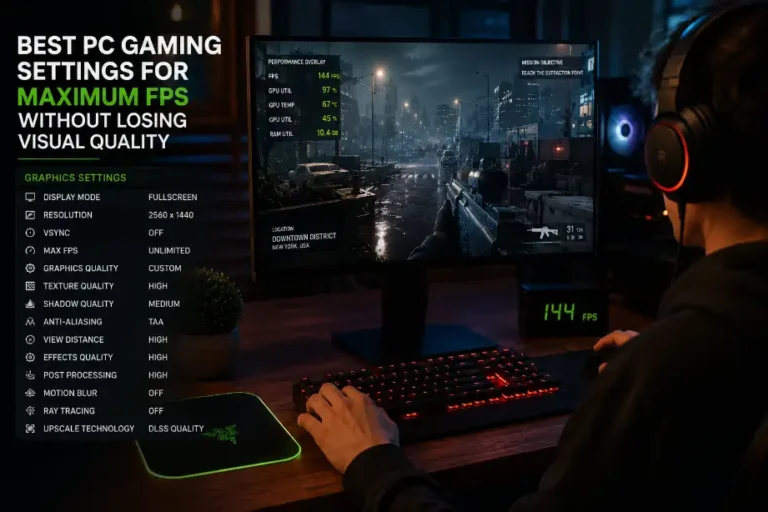
At the same vertical resolution, 3440×1440 contains about 34% more pixels than 2560×1440; 5120×1440 contains twice as many. That arithmetic does not predict an exact FPS change because CPU limits, upscaling and game effects differ, but it explains why a GPU may work harder. Use the reproducible process in our PC settings guide at the monitor’s actual resolution.
Refresh rate and variable refresh
Refresh rate, response behavior and variable refresh rate are separate from aspect ratio. NVIDIA’s current G-SYNC page describes display tiers that synchronize refresh with rendered frames and notes that feature availability varies by monitor. Treat its performance language as a vendor claim and verify the exact model’s port, resolution and maximum refresh combination with the manufacturer.
A wide 240 Hz panel does not guarantee 240 FPS, nor does variable refresh remove every latency source. The game engine, frame cap, GPU, CPU and display processing all contribute.
Competitive rules and fairness
Some competitive games restrict field of view or aspect ratios, and organized events may supply standardized 16:9 displays. That can reduce the value of a home ultra-wide setup for tournament practice. Read the current league and game rules; do not infer permission from casual matchmaking support.
Accessibility and ergonomics
More peripheral information may help some players and overwhelm others. Wide interfaces can increase eye or head movement, while curvature changes how far the edges feel from the viewer. Canada’s Centre for Occupational Health and Safety advises placing a monitor to avoid awkward neck posture and notes that wide monitors may require neck rotation. It recommends adapting position to the user rather than treating one measurement as universal.
- Center the primary play area in front of you and keep frequently read HUD information comfortably visible.
- Use the game’s subtitle, HUD scale and safe-zone controls where available.
- Check viewing distance, glare and text size during a full session—not only in a showroom.
- If motion at the periphery is uncomfortable, try a narrower game window or reduced field of view.
Who benefits most?
Ultra-wide is strongest for supported single-player games, simulations and multitasking where immersion and horizontal workspace matter. For a competitive player, prioritize the actual game’s aspect-ratio rules, stable frame rate and the event environment. If GPU load becomes the constraint, see our discussion of graphics features and official requirements.