Cloud Gaming vs High-End Gaming PCs: Performance and Trade-Offs
Last updated:
Checked 29 August 2026 in the United States. Service tiers, regions, queues, supported games and prices can change.
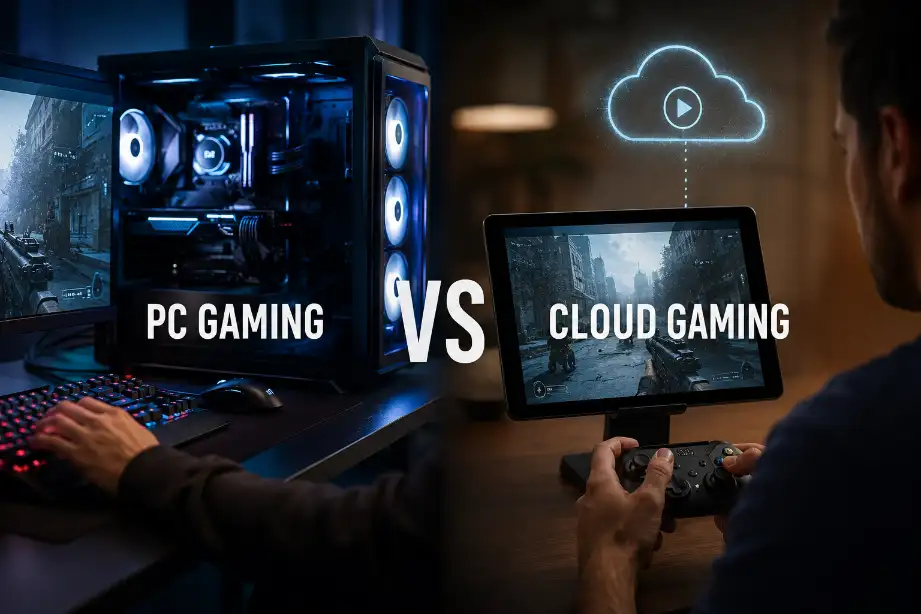
Cloud gaming and a high-end PC solve different problems. Streaming can provide access to capable remote hardware without buying a gaming tower, while a local PC gives direct control over files, peripherals, upgrades and image output. Neither choice is automatically faster or cheaper for every player.
How the two paths differ
| Question | Cloud gaming | High-end local PC |
|---|---|---|
| Where the game runs | Provider data center | Your own hardware |
| Network dependency | Continuous low-latency connection | Needed for downloads and online play, not all local games |
| Image path | Compressed video stream | Locally rendered display signal |
| Ownership and access | Depends on service tier, catalog and accounts | Depends on store license or physical media; hardware remains yours |
| Upgrades | Provider controls server hardware | Owner chooses and pays for upgrades |
| Portability | Works on supported devices and regions | PC is fixed unless carried or remotely accessed |
Bandwidth is only one network requirement
NVIDIA’s current GeForce NOW requirements list 15 Mbps for HD at 60 FPS, 25 Mbps for Full HD at 60 FPS and higher figures for premium modes—up to 65 Mbps for 5K at 120 FPS. NVIDIA recommends Ethernet or 5 GHz Wi-Fi and latency below 80 ms to a data center. These are service requirements, not a promise that every home network will deliver the same result.
Packet loss, jitter, Wi-Fi interference, routing and distance to the server affect responsiveness. A fast speed test can coexist with unstable frame delivery. Test at the time and place you normally play, using the actual client and nearby service region.
Latency and compression
A local PC still has input, simulation, rendering and display latency, but cloud gaming adds upload, network travel, server processing and video encode/decode. The impact depends on the game: turn-based and slower single-player titles tolerate more variation than competitive shooters or rhythm games.
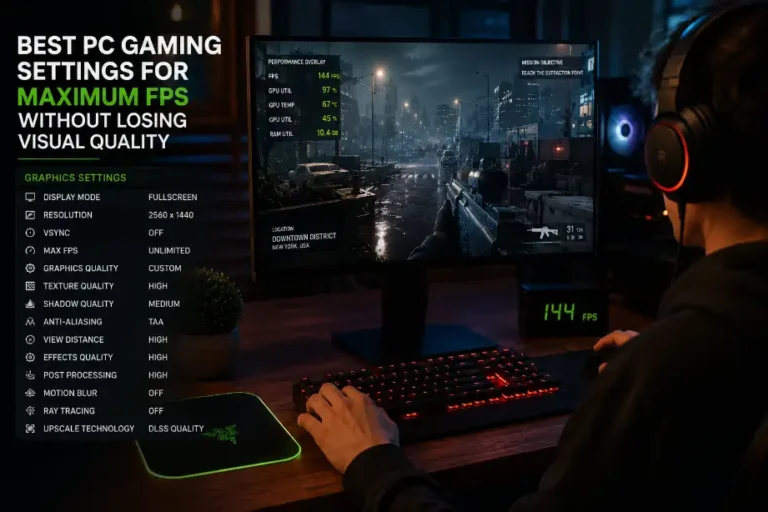
Streaming also sends compressed video. Fine foliage, rain, dark gradients and rapid camera movement can expose blocking or lost detail even when the service advertises 4K. A native local signal avoids that network video encode, although local anti-aliasing and upscaling can introduce their own artifacts. Use our PC settings process to tune a local system fairly before comparing.
Catalog, regions and control
Xbox’s current support page says cloud play depends on a supported Game Pass plan or supported free-to-play title, supported device and region. It also notes that only one player and account can play at a time and local multiplayer is not supported. GeForce NOW has its own membership, game-library and regional rules. Check the game, store account, save support and controller before subscribing.
A local PC offers mods, broader peripheral support and offline play where the game license permits it. Streaming may be more convenient on a low-power laptop, handheld or television, but access can change with catalog agreements or service status.
Compare cost over the period you will actually use
- Cloud: membership tier, data-cap risk, game purchases, controller and possible network upgrade.
- Local PC: complete system, monitor, electricity, repairs and upgrades, minus resale value.
- Hybrid: a modest PC plus occasional cloud subscription may fit players who use demanding games infrequently.
Do not compare one month of cloud service with the full purchase price of a PC. Use the same two- or three-year period, the games you expect to play and the tier required for your resolution. If your priority is testing new GPU-heavy releases locally, see our dated guide to demanding games.
A practical decision
- Choose cloud first when you have a stable low-latency route, supported region and library, and value access across several screens.
- Choose local hardware when predictable response, mods, offline access, high and consistent image quality or peripheral choice matters most.
- Try the exact service before committing. Measure responsiveness subjectively in your games and inspect image quality on your own display; do not rely only on advertised resolution.