Mobile Gaming Accessories That Can Improve Comfort and Control
Last updated:
Checked 29 August 2026. Compatibility depends on the phone, operating system, game and accessory firmware.
An accessory is useful only when it solves a specific problem. This guide does not rank products we have not tested; it provides a compatibility and safety checklist for controllers, grips, audio and power gear.
Controllers and controller grips
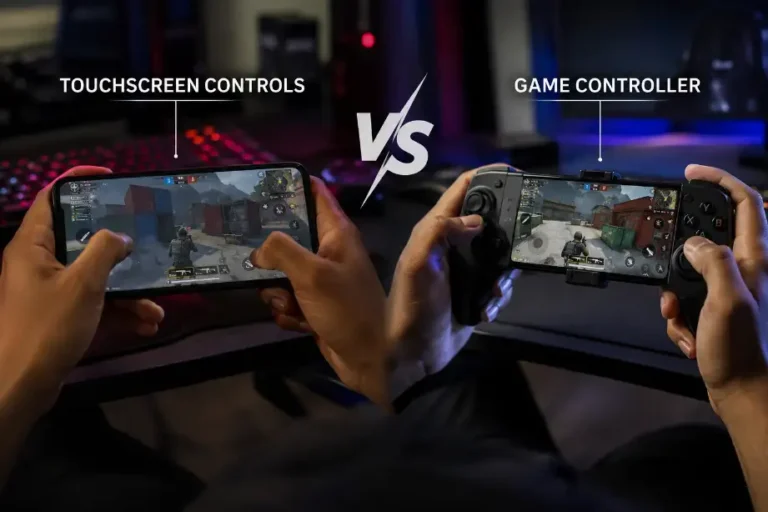
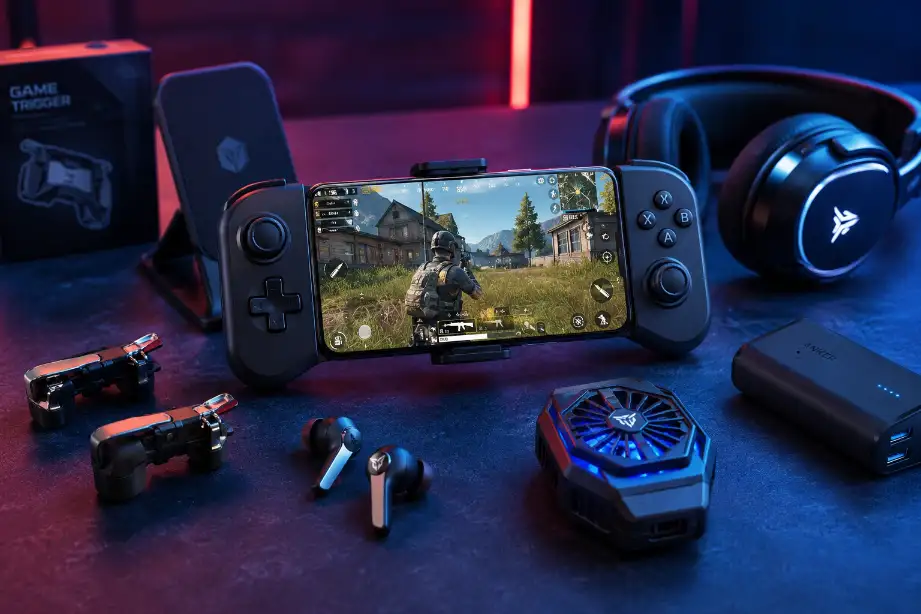
Apple documents support for many Xbox, PlayStation and other Bluetooth controllers, plus USB connections where the controller and device support data. Android has supported game controllers since API level 9, while modern mappings and features still depend on the game, engine and device. A controller can improve repeatable movement and reduce screen obstruction, but it is not universally supported.
- Check the game’s own controller listing and required OS—not only the accessory box.
- Confirm connector clearance, phone width, camera-bump fit and whether a case must be removed.
- Look for remapping, dead-zone and firmware tools on your platform.
- For detailed trade-offs, read our controller-versus-touchscreen guide.
Latency: connection type is not the whole answer
A wired or direct-connector controller avoids Bluetooth radio scheduling, but total response still includes the game, operating system, display and controller firmware. Bluetooth can be entirely adequate for many games. Avoid claims such as “zero latency”; instead, check for delayed or dropped inputs in the title you play and keep firmware current. Apple recommends reducing nearby Bluetooth interference when connections are unreliable.
Grips, stands and cooling accessories
A passive grip can reduce hand strain by changing the phone’s shape, while a stand is useful with a separate controller. Fit and balance matter more than decorative features. Active coolers may lower surface temperature in some conditions, but performance varies with contact, ambient temperature and phone design. They also add weight, noise and power demand; condensation is a reason to avoid extreme cooling in humid environments.
Charging and power banks
USB Power Delivery lets compatible devices negotiate power rather than forcing one fixed rate. The USB Implementers Forum describes current USB PD as supporting a broad range of power levels with compliant USB-C hardware. That ceiling does not mean a phone, cable or pass-through controller accepts it. Use a reputable, device-rated charger and cable; inspect the phone’s temperature and stop charging if the connector, cable or phone behaves abnormally.
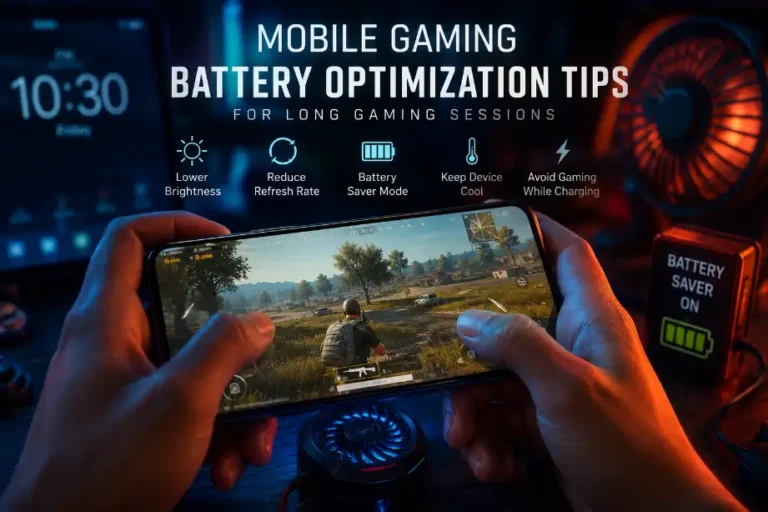
Charging while playing adds heat. If the phone becomes hot, reduce the game load or brightness, remove an insulating case if the maker permits it, and pause charging or gameplay. See our battery optimization guide for manufacturer-based guidance.
Audio
Wired audio can be simple when the phone and controller expose a compatible port. Bluetooth headphones vary in codec, microphone routing and game latency, and some games delay audio more noticeably than others. Verify whether voice chat uses the headset microphone and whether the chosen controller blocks the phone’s port.
A value checklist before buying
- Name the problem: control precision, comfort, charging, cooling, audio or travel.
- Confirm phone dimensions, port position, OS version and the exact games you use.
- Read the return policy because fit and comfort are personal.
- Prefer replaceable cables and published firmware support.
- Do not pay for performance claims that omit the test phone, game and conditions.